We Can Fix That: My iPhone Won’t Update
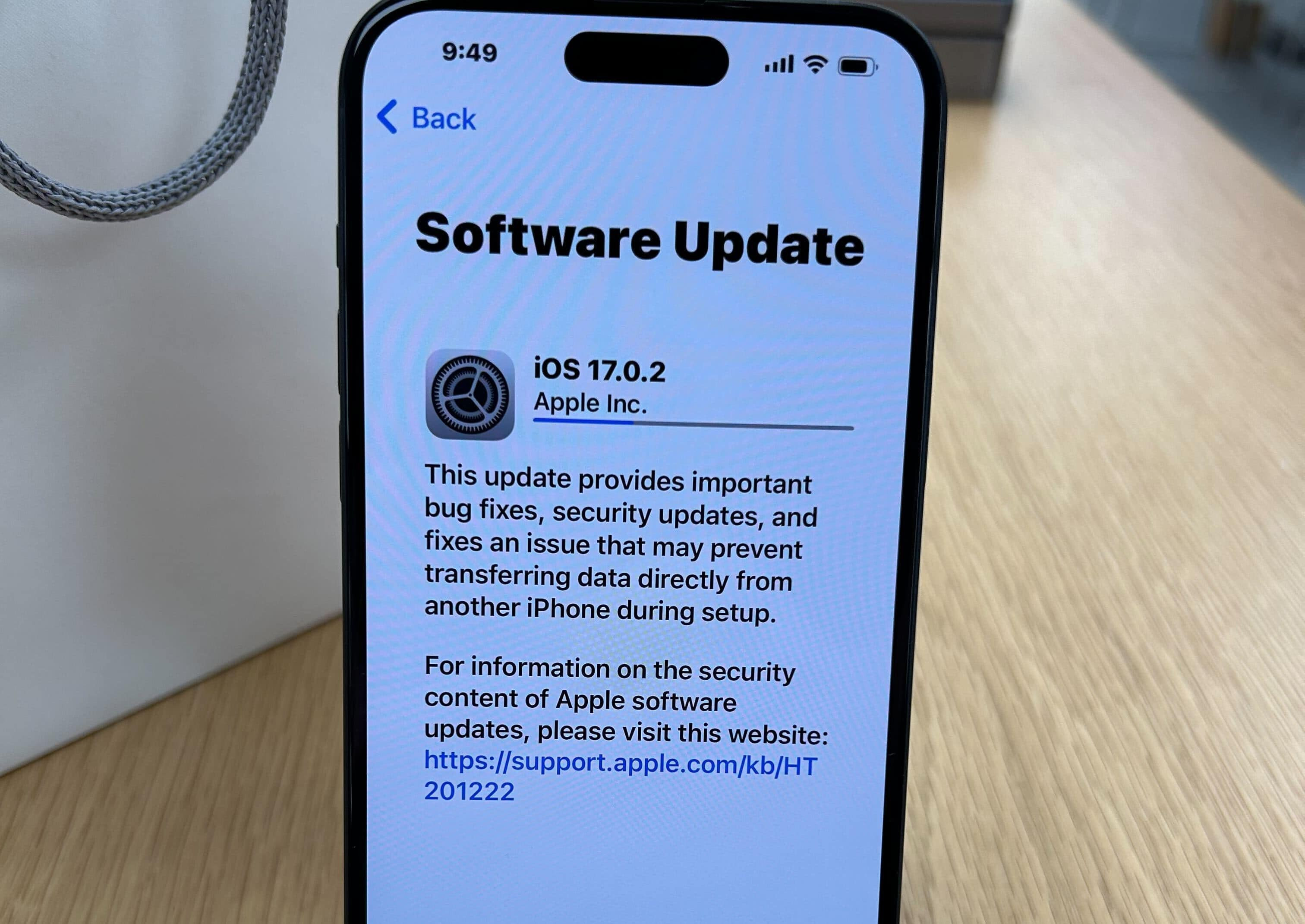
4 Quick Fixes To Help Your iPhone Update
Check Your Battery
Did you know that iPhones have to be at least charged up to 50% in order to start downloading an update? This feature was added by Apple to keep your phone from accidentally turning off in the middle of an update.
The best time to install a new update is in the middle of the night while your phone is plugged into your charger, but you aren’t using it.
Make Sure Your iPhone Update Is Compatible
Unfortunately, not all iPhones are compatible with new operating system updates from Apple. Right now the most current iOS is 14.3. If you’re using an iPhone 5S or older, it won’t be able to install that update.
You can find a list of compatible devices with iOS 14.3 on Apple’s website and also see the features the new iOS offers.
Declutter Your iPhone
Making sure your phone has enough storage space to support an update is simple. The most recent iOS updates need about 5 GB of space. Check the amount of storage space you have available in your settings. If you don’t have enough, get rid of apps you no longer use, transfer photos and videos to the cloud, and delete unnecessary downloads.
Need more info on the best way to back up your phone’s data? Get started with this blog post.
Try A Soft Reset
If you try to install an update and it still gets stuck before it completely installs, trying a soft reset might help. All you need to do is hold down the power button and the volume up button until the “Slide to Power Off” option comes up on your screen.
After your phone has been turned off for a few minutes use the same process to turn it on again and you’ll see an Apple logo on the screen. Once your phone has fully turned on you can try to install the update again.
Bring Your Phone Phone Repair Palace
Remember, not all iPhones are able to run the latest Apple operating system. If you aren’t sure if your phone is ready to update, you can always bring your phone to our iPhone experts
Need This Problem Fixed Fast?
Bring your broken smartphone, tablet, or console to Phone Repair Place in Hyattsville, MD for quick diagnosis and same-day turnaround.