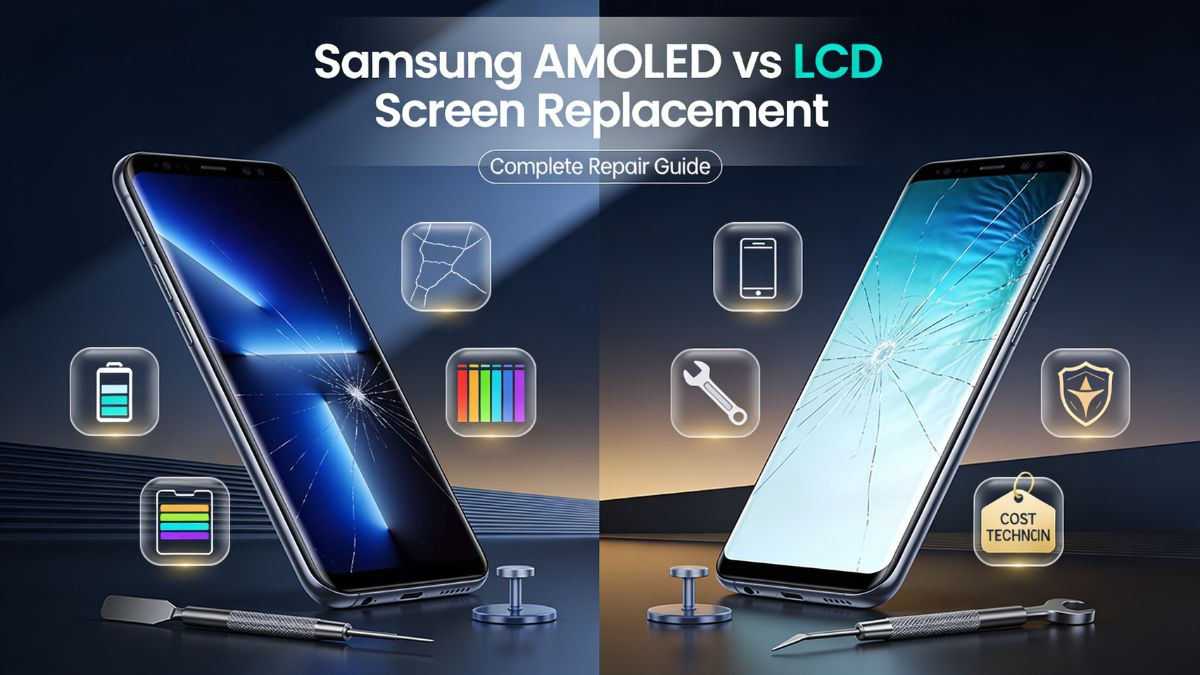
Samsung AMOLED vs LCD Screen Replacement: What Is the Difference?
When a Samsung phone screen cracks, shatters, or stops responding correctly, the first instinct is usually to get it fixed as fast as possible. What many people do not realize, however, is that the type of screen inside their Samsung device plays a massive role in how that repair is handled, how much it costs, and what kind of replacement part should be used.
Samsung manufactures smartphones across a wide range of models — from budget-friendly Galaxy A-series devices to flagship Galaxy S and Z-series phones. Not all of these models use the same display technology. Some run on AMOLED panels, which are Samsung's signature display type and widely regarded as among the best screens available in any smartphone. Others, particularly lower-tier and mid-range models, use LCD panels that operate on an entirely different set of principles.
This distinction matters enormously when it comes to repair. A technician who replaces an AMOLED panel with a low-quality LCD equivalent — or who uses an aftermarket screen without understanding the original display's characteristics — can leave a customer with a phone that looks dramatically different from before the damage occurred. Colors may appear washed out, touch sensitivity may drop, and battery drain may actually increase, depending on how the replacement is handled.
This guide breaks down everything a phone owner or repair professional needs to understand about the difference between Samsung AMOLED and LCD screen replacements. It covers how each technology works, what kinds of damage they are prone to, how repairs are performed, what parts cost, and when it makes sense to trust a certified Samsung repair service rather than attempting a self-repair. Whether someone is dealing with a cracked Samsung Galaxy AMOLED display or looking to replace a Samsung LCD panel, this article provides the depth and clarity needed to make an informed decision.
What Is an AMOLED Display and How Does It Work?
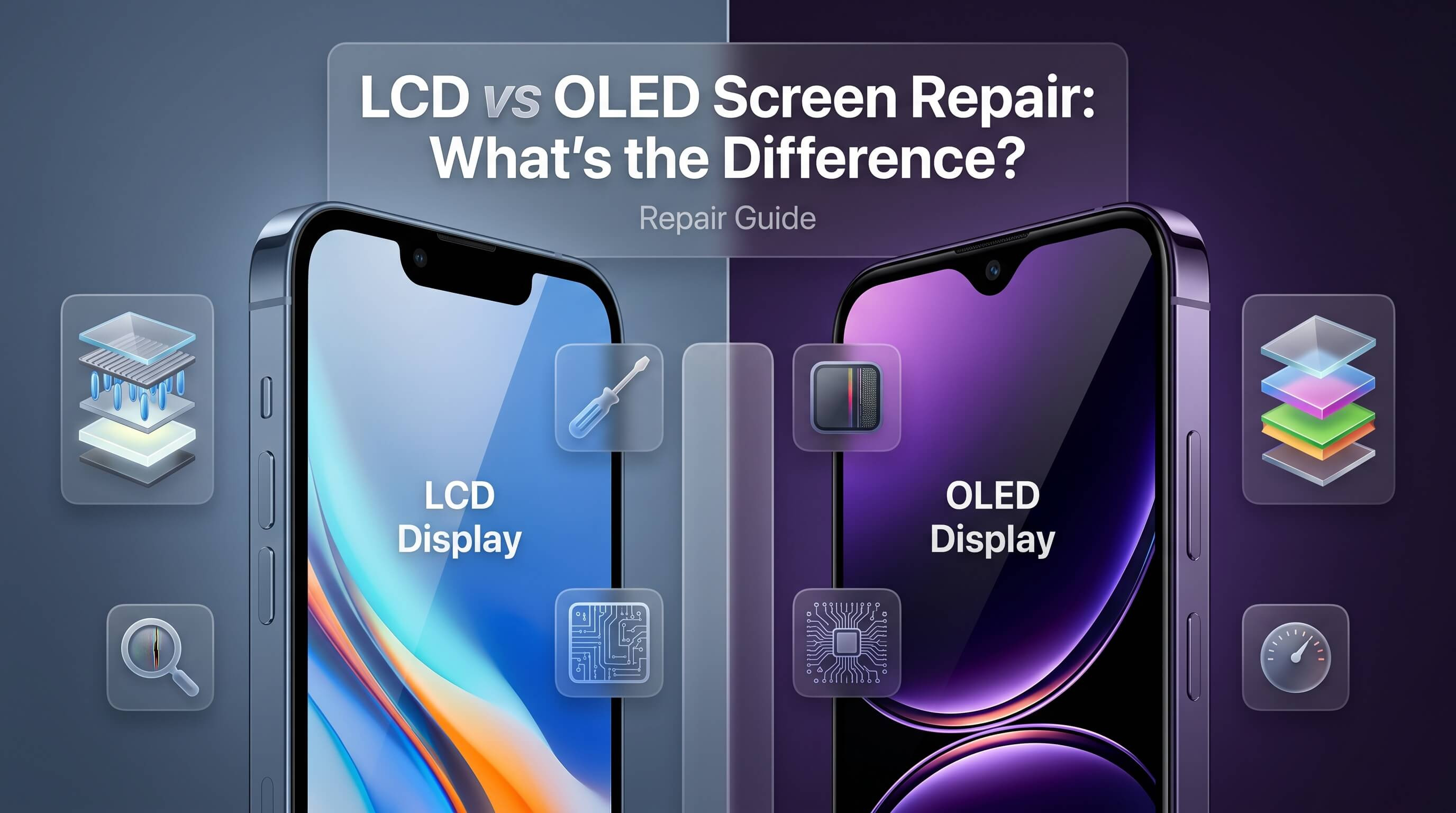
AMOLED stands for Active Matrix Organic Light-Emitting Diode. It is a display technology where each individual pixel generates its own light using organic compounds that emit a glow when electrical current passes through them. Unlike traditional screens that rely on a backlight to illuminate the entire panel, AMOLED pixels are self-illuminating. This means each pixel can turn on and off independently, giving the display extraordinary control over contrast levels and color accuracy.
Samsung has been at the forefront of AMOLED display development for over a decade. The company brands its AMOLED panels as Super AMOLED on many of its popular devices, which adds an integrated touch layer directly into the display itself rather than placing it as a separate component on top. This integration reduces the thickness of the phone, improves sunlight visibility, and enhances the responsiveness of the touch experience.
One of the most visually striking characteristics of an AMOLED display is its ability to render true black. Because pixels can be turned off entirely rather than simply dimmed, black areas on the screen consume no power and emit no light. This results in an infinite contrast ratio — something LCD screens simply cannot replicate. Colors on AMOLED panels are also significantly more vivid and saturated, which makes them popular for media consumption, gaming, and photography.
AMOLED displays are also thinner and more energy-efficient under certain usage conditions. When displaying dark content or using dark mode, AMOLED screens consume noticeably less battery power compared to LCD screens, because fewer pixels need to be illuminated. This makes AMOLED screens well-suited for modern smartphones designed around always-on displays, dark-themed interfaces, and power-conscious usage.
However, AMOLED technology comes with its own set of vulnerabilities. The organic compounds used in each pixel can degrade over time, particularly when displaying static, high-brightness content for extended periods. This leads to a phenomenon known as screen burn-in, where ghostly remnants of previous images become permanently visible on the panel. AMOLED screens are also generally more expensive to manufacture and replace, which directly affects Samsung Galaxy screen repair costs when damage occurs.
What Is an LCD Display and How Does It Work?
LCD stands for Liquid Crystal Display. It is one of the most widely used display technologies in consumer electronics, from budget smartphones to computer monitors and televisions. Unlike AMOLED, an LCD panel does not produce its own light. Instead, it relies on a backlight — typically an LED backlight — that shines through a layer of liquid crystals and color filters to produce the image visible on screen.
The liquid crystal layer sits between two polarized glass panels. When voltage is applied, the crystals align in specific orientations to either block or allow light to pass through. This process, combined with the color filter layer, produces the full spectrum of colors visible on the screen. Because the backlight illuminates the entire panel simultaneously, LCD screens cannot achieve true black — there is always some level of light bleeding through, even in areas meant to appear dark.
Samsung uses LCD panels in a range of its mid-range and entry-level Galaxy devices. These panels are often labeled as TFT LCD or IPS LCD, with IPS (In-Plane Switching) being the more advanced variant that offers better color accuracy and wider viewing angles compared to standard TFT panels. IPS LCD displays are also more comfortable for extended reading and content viewing because they tend to produce a cooler, more natural color tone that some users prefer over the saturated output of AMOLED panels.
From a durability standpoint, LCD screens have several practical advantages. They are typically less expensive to produce, making Samsung LCD display replacements more affordable than their AMOLED counterparts. They are also less prone to burn-in, which makes them a reliable choice for users who spend long hours on their devices with static content visible on the screen. LCD panels also tend to perform more consistently at full brightness outdoors, though they draw more battery power to maintain that brightness.
The repair process for LCD screens is somewhat different from AMOLED repairs, and understanding those differences is essential for technicians and phone owners alike. One of the key structural differences is that on many Samsung LCD models, the digitizer — the touch-sensing layer — is a separate component from the display panel itself. This means that in some cases, a cracked glass can be replaced without changing the full LCD assembly, though this is not always practical depending on the extent of the damage.
Samsung AMOLED vs LCD: Core Technical Differences
Understanding the core technical differences between AMOLED and LCD displays provides the foundation for making smarter decisions about Samsung phone screen repair and replacement. These differences affect everything from how damage presents itself to which replacement parts deliver the best results.
Display Technology Comparison Table
| Feature | AMOLED | LCD |
|---|---|---|
| Light Source | Self-emitting pixels | LED backlight |
| Black Level | True black (pixel off) | Backlit grey-black |
| Contrast Ratio | Infinite | Limited (1000:1–3000:1) |
| Color Accuracy | High saturation, vivid | More natural, cooler tones |
| Power Consumption | Low (dark content) | Constant (always-on backlight) |
| Thickness | Thinner panels | Slightly thicker |
| Burn-in Risk | Present over time | Minimal |
| Typical Samsung Models | Galaxy S, Z, Note series | Galaxy A (lower tiers), M series |
| Replacement Cost | Higher | Lower |
| Touch Layer Integration | Integrated (Super AMOLED) | Often separate digitizer |
The contrast between these two technologies becomes most apparent when a repair is needed. With an AMOLED screen, the display and digitizer are fused together, meaning any significant crack or internal damage almost always requires replacing the full assembly. This increases the repair cost but also simplifies the parts-sourcing process, as long as genuine or high-quality OEM components are used.
With LCD displays, there is sometimes more flexibility. A skilled technician may be able to separate a cracked glass lens from the LCD panel underneath if the panel itself remains undamaged. This technique, known as glass-only replacement, can significantly reduce the cost of a Samsung repair. However, it requires specialized equipment like a UV glue station and a heating plate, and it carries a higher risk of damaging the LCD beneath if not performed carefully.
Another important distinction involves screen refresh rates and touch response. AMOLED displays found in Samsung's flagship range often operate at 120Hz or even 144Hz, while LCD panels in budget models tend to cap at 60Hz. When a replacement screen does not match the original panel's specifications, the difference in smoothness can be immediately obvious to the user. This is one of the reasons why sourcing the correct replacement panel — one that matches the original resolution, refresh rate, and touch sensitivity — is so critical during any Samsung phone display replacement.
How Screen Damage Affects AMOLED and LCD Differently
The way a screen breaks, malfunctions, or degrades depends significantly on its underlying technology. Knowing what to look for helps diagnose the problem correctly before any repair is attempted, and it helps set accurate expectations about what a replacement screen will look like and cost.
Common Damage Symptoms by Display Type
| Symptom | AMOLED | LCD |
|---|---|---|
| Cracked glass with black bleed | Common — damage spreads quickly | Glass may crack without affecting LCD |
| Dead pixels or black spots | Organic cell failure; localized | Backlight failure or crystal damage |
| Pink or green lines on screen | AMOLED ribbon or driver failure | Rare in LCD |
| Burn-in or ghost images | Frequent with static content | Very uncommon |
| Flickering screen | Driver IC or flex cable issue | Backlight driver failure |
| Dim or no backlight | Not applicable (self-illuminating) | Common when backlight fails |
| Touch not responding | Digitizer fused — requires full assembly | Digitizer may be replaceable separately |
| Color distortion | Vivid colors shift dramatically | Colors appear faded or yellow |
When an AMOLED screen sustains a drop impact, the damage almost always spreads rapidly. Because the display and touch layers are fused, a crack in the outer glass frequently causes dark ink-like bleed marks to expand across the panel. This is the organic material within the pixels leaking or failing under pressure. Even if only a corner of the screen cracks, the internal AMOLED matrix can be compromised, leading to a much larger affected area than what the surface glass crack suggests.
LCD screens, on the other hand, can sometimes survive a cracked glass without any visible impact on the underlying display. The liquid crystal layer and backlight are structurally separate from the outer glass, meaning a phone can have a shattered surface but still display a perfectly functional image underneath. However, if the impact is severe enough to crack the LCD itself, the backlight will typically bleed white light through the damaged area or certain zones of the screen will go dark.
Screen burn-in is a uniquely AMOLED problem. It develops gradually, often over months or years of use, particularly in phones that display persistent elements at high brightness — things like navigation bars, notification icons, or keyboard layouts that stay on screen for extended periods. Users may notice a faint shadow of these elements even when viewing different content. There is no permanent hardware fix for burn-in on a severely degraded panel; replacement is the only reliable solution. For mild burn-in, some software tools can attempt to redistribute pixel usage, but results vary.
Samsung screen flickering is another symptom worth understanding carefully. On AMOLED panels, flickering is often caused by a failing display driver IC, a damaged flex cable, or a loose connection at the display connector on the motherboard. On LCD panels, flickering is more commonly tied to a failing backlight driver circuit. Both issues require careful diagnosis before any part is ordered or replaced.
Samsung AMOLED Screen Replacement: What You Need to Know
Replacing a Samsung AMOLED display is not a simple task. It requires specific tools, the right replacement components, and a solid understanding of how the device is assembled. This section walks through the process and the critical considerations involved.
Required Tools for AMOLED Replacement
Before even beginning a Samsung Galaxy AMOLED display repair, a technician needs the proper equipment. This typically includes a heat gun or heating plate to soften the adhesive securing the back panel or front assembly, plastic pry tools and metal spudgers to open the device without damaging the frame, precision Phillips and Torx screwdrivers, a suction cup or vacuum tool for separating panels, and in some cases, a UV adhesive station for re-sealing the screen.
Step-by-Step AMOLED Screen Replacement Overview
Step 1: Power off the device completely. Never attempt any phone screen repair with the device powered on.
Step 2: Apply heat to the back panel. Most Samsung Galaxy devices have a glass back secured with adhesive. Warming it to around 60–70°C softens the adhesive and allows the back panel to be lifted carefully.
Step 3: Remove the back panel. Use a suction cup to create separation, then slide a thin plastic pick around the edges to release the adhesive. Work slowly to avoid cracking the rear glass.
Step 4: Disconnect the battery. Once inside, locate and disconnect the battery connector from the motherboard before proceeding. This is a critical safety step.
Step 5: Remove the display frame screws. On most Samsung models, the display assembly is secured to the mid-frame with small screws. These should be removed and organized.
Step 6: Disconnect the display flex cable. Locate the display connector on the motherboard and carefully disconnect it. Some models have a single connector; others have two.
Step 7: Apply heat to the front of the device. The AMOLED panel is adhered to the frame with OCA (Optically Clear Adhesive). Warming the frame helps release the panel without bending it.
Step 8: Lift the AMOLED panel from the frame. Using a suction cup and thin pick, gently separate the display from the frame. Avoid flexing the AMOLED panel, as AMOLED screens are particularly fragile and can crack internally even from minor bending.
Step 9: Install the new AMOLED panel. Place the new assembly into the frame, reconnect the flex cable, and test the screen before re-sealing everything.
Step 10: Re-seal and power on. Apply fresh adhesive or use pre-applied adhesive strips provided with the replacement screen, replace the back panel, and power the device on to test full functionality.
This process is technically demanding. AMOLED panels are delicate, expensive, and unforgiving of improper handling. A panel that bends even slightly during removal or installation can develop internal cracks that do not appear immediately but surface as dark patches within days. For most users, a professional screen repair service is the safer and ultimately more cost-effective path.
Samsung LCD Screen Replacement: What You Need to Know
LCD screen replacement on Samsung devices follows a similar general process but has some notable differences, particularly regarding the structure of the display assembly and the potential for glass-only repairs.
LCD Assembly Structure
On Samsung devices equipped with LCD panels, the display assembly typically consists of three layers: the outer glass lens, the digitizer (touch panel), and the LCD module beneath. In some budget models, the digitizer and LCD are bonded together and must be replaced as a unit. In others, particularly older models, they are separate components.
This separation creates an opportunity for a cost-saving repair approach. If the LCD itself is undamaged — meaning no dark spots, no bleeding, and no display failure — a technician with the right equipment can replace only the cracked glass on top. This requires a glass separator machine, UV adhesive (LOCA), and a UV curing lamp. The old glass is heated and removed, the LCD and digitizer are cleaned, and a new glass lens is bonded using UV glue.
Glass-only replacement is significantly cheaper than a full LCD replacement, but it carries risks. If the LCD is damaged during the glass removal process, the technician must proceed with a full LCD replacement anyway, and the total cost increases. It also requires a very high skill level and professional equipment, making it unsuitable for most DIY attempts.
Full LCD Assembly Replacement
When the LCD itself is cracked, showing ink-bleed, or failing to illuminate properly, a full display assembly replacement is necessary. The process is structurally similar to an AMOLED replacement — the device is opened from the back, internal components are disconnected, the screen assembly is removed, and the new unit is installed.
One advantage with Samsung LCD replacements is that aftermarket LCD panels are widely available at lower price points than AMOLED alternatives. A quality aftermarket LCD panel can deliver a very acceptable visual experience, though it will not match the black levels, color depth, or contrast of an original AMOLED screen. For users who value affordability over premium display quality, an aftermarket Samsung LCD display replacement can be a practical and reasonable choice.
AMOLED vs LCD Screen Replacement Cost Breakdown
Repair costs are one of the most significant factors in the decision-making process, and screen type directly influences those costs. The following table presents realistic cost ranges for Samsung screen repairs depending on panel type, model tier, and part source.
Samsung Screen Replacement Cost Comparison
| Repair Type | Part Source | Estimated Cost Range | Notes |
|---|---|---|---|
| Samsung AMOLED replacement (flagship) | Genuine OEM | $180 – $350+ | S24, S23, Z Fold series |
| Samsung AMOLED replacement (mid-range) | Genuine OEM | $100 – $180 | Galaxy A55, A35 AMOLED models |
| Samsung AMOLED replacement | High-quality aftermarket | $80 – $150 | Quality varies by supplier |
| Samsung LCD replacement (mid-range) | Genuine OEM | $60 – $120 | Galaxy A15, A03 LCD models |
| Samsung LCD replacement | Aftermarket | $30 – $75 | Most affordable option |
| Glass-only LCD replacement | Aftermarket glass + labor | $25 – $60 | Requires specialized tools |
| AMOLED burn-in repair | Panel replacement only | $100 – $300 | No patch fix available |
| Samsung touch screen repair (digitizer) | OEM or aftermarket | $40 – $120 | Depends on model and panel type |
These figures represent parts and labor combined at a typical independent Samsung repair shop. Authorized Samsung service centers often charge significantly more, particularly for flagship AMOLED repairs, where parts alone can exceed $200.
It is also worth noting that labor costs vary by region. A Samsung phone screen repair near me search in a major metropolitan area may yield higher labor rates than a shop in a smaller market. That said, quality of workmanship, warranty terms, and the availability of genuine parts should weigh heavily in the decision — choosing the cheapest option without evaluating these factors can result in a repair that fails within weeks.
Original vs Aftermarket Screens: Which Should You Choose?
The debate between original Samsung AMOLED screens and aftermarket alternatives is one of the most common discussions in the mobile repair industry. There is no universally correct answer — the best choice depends on the device, the user's expectations, and the available budget.
Screen Quality Comparison Table
| Factor | Original OEM Screen | High-Quality Aftermarket | Budget Aftermarket |
|---|---|---|---|
| Color accuracy | Exact match to original | Good, minor variance | Noticeably different |
| Brightness levels | Full spec | 85–95% of original | Often significantly lower |
| Touch sensitivity | Full response | Good | May lag or miss inputs |
| Burn-in resistance | Standard for AMOLED | Varies | Often poor |
| Compatibility | Perfect | Usually good | May have fit issues |
| Warranty support | Typically 90 days+ | Varies by supplier | Often none |
| Price | Highest | Moderate | Lowest |
| Longevity | Best | Good | Unpredictable |
Original Samsung AMOLED screens, whether sourced directly from Samsung or through authorized parts distributors, are calibrated to match the exact color profile, brightness output, and touch response of the device they are designed for. When a genuine Samsung display repair is performed using an OEM panel, the user should experience no visual difference from the original screen.
High-quality aftermarket screens occupy a middle ground. The best of these are manufactured to high standards and come surprisingly close to OEM performance. They use panels from reputable display manufacturers and are tested for color accuracy, touch response, and durability before being packaged. For many Samsung models — particularly older devices where OEM parts are no longer available — a premium aftermarket screen is the most practical option.
Budget aftermarket screens are where things get problematic. These panels often use inferior materials, have lower brightness limits, wash out colors, and suffer from inconsistent touch response. Some fail entirely within a few weeks of installation. For an AMOLED screen replacement in particular, choosing a budget aftermarket panel can be a false economy — the user pays a low parts cost upfront but may need the screen replaced again in a very short time.
The choice also affects the device's resale value. A Samsung phone with an OEM or high-quality aftermarket screen will generally sell for more than one with a visibly inferior replacement. Anyone planning to sell their device in the future should factor this into their repair decision.
Common Samsung Display Problems and How to Diagnose Them
Before committing to a screen replacement, it is important to properly diagnose the issue. Not every display problem requires a new screen — some are caused by software faults, loose connectors, or other hardware issues that can be resolved without a full Samsung phone display replacement.
Samsung Display Troubleshooting Guide
Problem: Screen is completely black but the phone powers on
This could indicate a display connector that has come loose from the motherboard, particularly if the phone was recently dropped. In some cases, a quick reconnection of the display cable can resolve this without replacing the screen. If the connector is secure and the screen remains black, the display panel itself has likely failed.
Problem: Horizontal or vertical lines running across the screen
Lines on a Samsung AMOLED display typically indicate damage to the display driver IC or a torn or pinched flex cable. On LCD panels, lines can result from a physically cracked LCD beneath intact glass. If the lines appeared after a drop, hardware damage is the most likely cause. If they appeared gradually without any physical trauma, a loose flex cable connection is worth checking first.
Problem: Screen flickering during normal use
Samsung screen flickering is a multi-cause issue. On AMOLED panels, low-frequency PWM (Pulse Width Modulation) dimming can cause flickering at low brightness levels — this is a known characteristic of some AMOLED panels, not necessarily a defect. If flickering appears suddenly at normal brightness, check for a software update that may have introduced display driver issues, and try a factory reset before assuming the panel is failing.
Problem: Touch screen not responding in certain areas
Dead zones on the touch screen can result from digitizer damage, a partially disconnected touch cable, or physical pressure points from a bent frame. On Samsung's AMOLED Super AMOLED models where the touch layer is integrated, unresponsive areas almost always require a full display replacement. On separate-digitizer LCD models, a digitizer-only replacement may resolve the issue.
Problem: Screen has a green or pink tint
Color shifts on Samsung AMOLED displays can be caused by a failing display driver, a corrupted display calibration profile, or physical panel damage. A factory reset or software troubleshooting step should always be attempted first. If the tint persists through a factory reset, the panel is likely failing and will need to be replaced.
Problem: Burn-in or ghost images on screen
This is an AMOLED-specific issue. Mild cases can be partially addressed using pixel refresh tools available in Samsung's service menu or through third-party apps that cycle pixels to redistribute wear. Severe burn-in — where the ghost image is visible at normal brightness — requires a full panel replacement. There is no other permanent solution.
DIY Screen Replacement vs Professional Repair: An Honest Comparison
Many people consider attempting a DIY Samsung screen replacement after watching online tutorials. It is not impossible, but it comes with significant risks, especially for AMOLED panels. The following comparison lays out the honest trade-offs between both approaches.
DIY vs Professional Samsung Screen Repair
| Factor | DIY Replacement | Professional Repair |
|---|---|---|
| Cost | Lower (parts only) | Higher (parts + labor) |
| Risk of further damage | High, especially for AMOLED | Low (trained technicians) |
| Tools required | Many, often specialized | Available at shop |
| Parts access | Limited to online suppliers | Access to OEM and vetted aftermarket |
| Warranty on repair | None | Typically 30–90 days or more |
| Time required | 1–4 hours per attempt | 30–60 minutes typically |
| Skill level needed | Intermediate to advanced | Professional |
| Risk to waterproofing | High — difficult to restore | Managed with proper adhesive |
| Diagnostic accuracy | Self-assessed | Equipment-supported |
A DIY screen replacement can make sense in specific situations: when the device is very old, the repair cost from a shop exceeds the phone's value, or when the repairer has genuine experience with mobile hardware. For anyone tackling a Samsung Galaxy AMOLED display repair for the first time, however, the risk of damaging a $150–$350 AMOLED panel during installation is very real.
Beyond the cost of parts, there is the matter of waterproofing. Samsung's flagship Galaxy S and Z series phones carry IP67 or IP68 water resistance ratings. This rating is maintained through carefully applied adhesive seals around the display and back panel. When a device is opened without the proper adhesive and sealing process, that water resistance is compromised. A professional repair shop that follows proper re-sealing procedures can restore a reasonable level of water protection, though it is unlikely to fully match the factory rating.
For most users — especially those replacing an AMOLED screen on a current-generation Galaxy device — seeking a qualified Samsung repair service is the most sensible course of action. The labor cost is an investment in getting the repair done correctly the first time, with a warranty to back it up.
How to Choose the Right Samsung Repair Service
Not all repair shops are created equal. The quality of parts, the experience of the technician, the tools available, and the warranty offered vary considerably from one service provider to the next. Knowing what to look for helps avoid a poor repair experience.
What to Look for in a Samsung Repair Shop
Certification and Experience
Ask whether the shop's technicians have specific experience with Samsung devices. Shops that specialize in Samsung repair will have a deeper understanding of model-specific quirks, the correct replacement parts to use, and the precise tools needed for each job. Certification from Samsung or recognized industry bodies like iFixit's repair network is a positive indicator.
Parts Quality and Transparency
A reputable repair service will be upfront about the parts they use. Ask whether they offer OEM, high-quality aftermarket, or budget replacement screens — and what the difference in cost is between each option. A shop that is evasive about parts quality should be approached with caution.
Warranty on Repairs
Any professional repair service should offer a warranty covering the replacement parts and the labor. A standard warranty for a Samsung display repair ranges from 30 to 90 days. Some shops offer longer coverage. Make sure the warranty terms are provided in writing.
Turnaround Time
Many routine Samsung screen repairs can be completed within the same day, often in under an hour for common models. If a shop quotes an unusually long turnaround time for a standard screen replacement, it may indicate they do not stock common parts or lack experience with that model.
Reviews and Reputation
Online reviews on Google, Yelp, and social media provide a useful picture of customer satisfaction. Look for consistent mentions of quality work, fair pricing, and responsive customer service. A repair shop that responds professionally to negative reviews demonstrates accountability.
Service Scope
A shop that handles a wide range of repairs — including battery replacement, charging issues, camera repair, gaming console repair, and laptop repair alongside phone repair — typically has a broader technical base and invested infrastructure. This often translates to better equipment and more experienced staff.
Samsung Screen Repair Service Comparison Table
| Service Factor | Authorized Samsung Center | Independent Certified Shop | Budget Repair Stand |
|---|---|---|---|
| Parts quality | OEM only | OEM + quality aftermarket | Often budget aftermarket |
| Labor cost | High | Moderate | Low |
| Warranty | 90 days typical | 30–90 days | Often none |
| Turnaround | 1–5 days | Same day typical | Varies |
| Model coverage | All Samsung models | Most Samsung models | Limited |
| Diagnostic depth | High | High | Basic |
| Water resistance restoration | Yes | Usually yes | Rarely |
Get Your Samsung Screen Repaired by Experts Today
A damaged screen should not keep a device out of commission. Whether the phone has a cracked Samsung AMOLED display, a shattered LCD panel that is bleeding ink across the screen, persistent flickering after a drop, or touch response issues that make the device unusable, professional help is the fastest and most reliable path to a working phone.
At Phone Repair Place, the team of trained technicians handles everything from broken Samsung display replacement to Samsung touch screen repair, battery replacement, charging port issues, and more. Every repair is performed with quality-verified parts — customers can choose between genuine OEM screens and premium aftermarket options depending on budget and preference. The shop maintains the tools, diagnostic equipment, and hands-on expertise needed to handle Samsung's full range of Galaxy devices, from budget A-series LCD models to the latest AMOLED-equipped Galaxy S and Z series flagships.
Same-day service is available for most common Samsung screen repairs, meaning there is no need to be without a phone for days at a time. Every screen replacement comes backed by a warranty, because standing behind the work is part of what makes a repair service worth trusting. Walk-ins are welcome, and appointments can be scheduled in advance for added convenience.
Pricing is transparent and communicated upfront — no hidden fees, no surprise charges after the fact. The goal is always to deliver a repair that looks, feels, and performs exactly as the original device did before the damage occurred.
Phone Repair Place
3500 East-West Hwy STE 1417,
Hyattsville, MD 20782, United States
(202) 870-4914
https://phonerepairpgmall.com/
Frequently Asked Questions
What is the main difference between a Samsung AMOLED and an LCD screen replacement?
An AMOLED replacement involves a self-illuminating display panel fused with the touch layer, which must be replaced as a single unit and typically costs more than an LCD replacement. LCD screen replacements use a backlit panel that may have a separate digitizer, offering more flexibility in some repair scenarios and generally coming at a lower cost. The visual quality, color accuracy, and touch response of each panel type also differ significantly.
Can an AMOLED Samsung phone be repaired with an LCD screen instead?
Technically, some repair shops use LCD conversion kits to replace AMOLED panels in certain Samsung models, typically to reduce repair costs. However, doing so results in noticeably different color accuracy, lower contrast, changes in battery consumption behavior, and a different visual experience than the original display. It is generally recommended to replace an AMOLED screen with another AMOLED panel, whether OEM or a quality aftermarket AMOLED unit.
How much does a Samsung Galaxy AMOLED screen replacement cost?
The cost varies depending on the model and the quality of the replacement part. For flagship models like the Galaxy S23 or S24, an OEM AMOLED replacement typically ranges from $180 to $350 or more for parts and labor combined. Mid-range Samsung models with AMOLED panels generally fall in the $100 to $180 range. High-quality aftermarket AMOLED screens can reduce this cost by 20–40%, though part quality should be verified with the repair shop.
Is Samsung screen burn-in fixable without replacing the display?
Mild AMOLED screen burn-in can sometimes be reduced using pixel refresh utilities or apps that cycle colors across the display to redistribute pixel wear, but these methods provide limited and inconsistent results. Severe burn-in — where ghost images are clearly visible under normal use — cannot be permanently corrected through software alone. A full panel replacement is the only reliable solution for significant burn-in on a Samsung AMOLED display.
How long does a Samsung screen replacement typically take at a repair shop?
Most Samsung screen replacements at a professional repair shop are completed within 30 to 60 minutes for common models where parts are in stock. More complex repairs, such as Galaxy Z Fold screen replacements or cases requiring special-order parts, may take longer. Calling ahead or checking with the shop about part availability helps ensure same-day service is possible.
Is it worth repairing a cracked Samsung screen or should the phone be replaced?
A repair is almost always worth considering if the rest of the phone functions normally. A screen replacement typically costs a fraction of the price of a new device, even for flagship Samsung models. The decision depends on the phone's overall condition, its age, and the cost of the specific repair. A reputable Samsung repair service can provide an honest assessment and an upfront quote to help make that decision with full information.
Need This Problem Fixed Fast?
Bring your broken smartphone, tablet, or console to Phone Repair Place in Hyattsville, MD for quick diagnosis and same-day turnaround.