How to Replace Your Laptop Battery: A Step-by-Step Guide
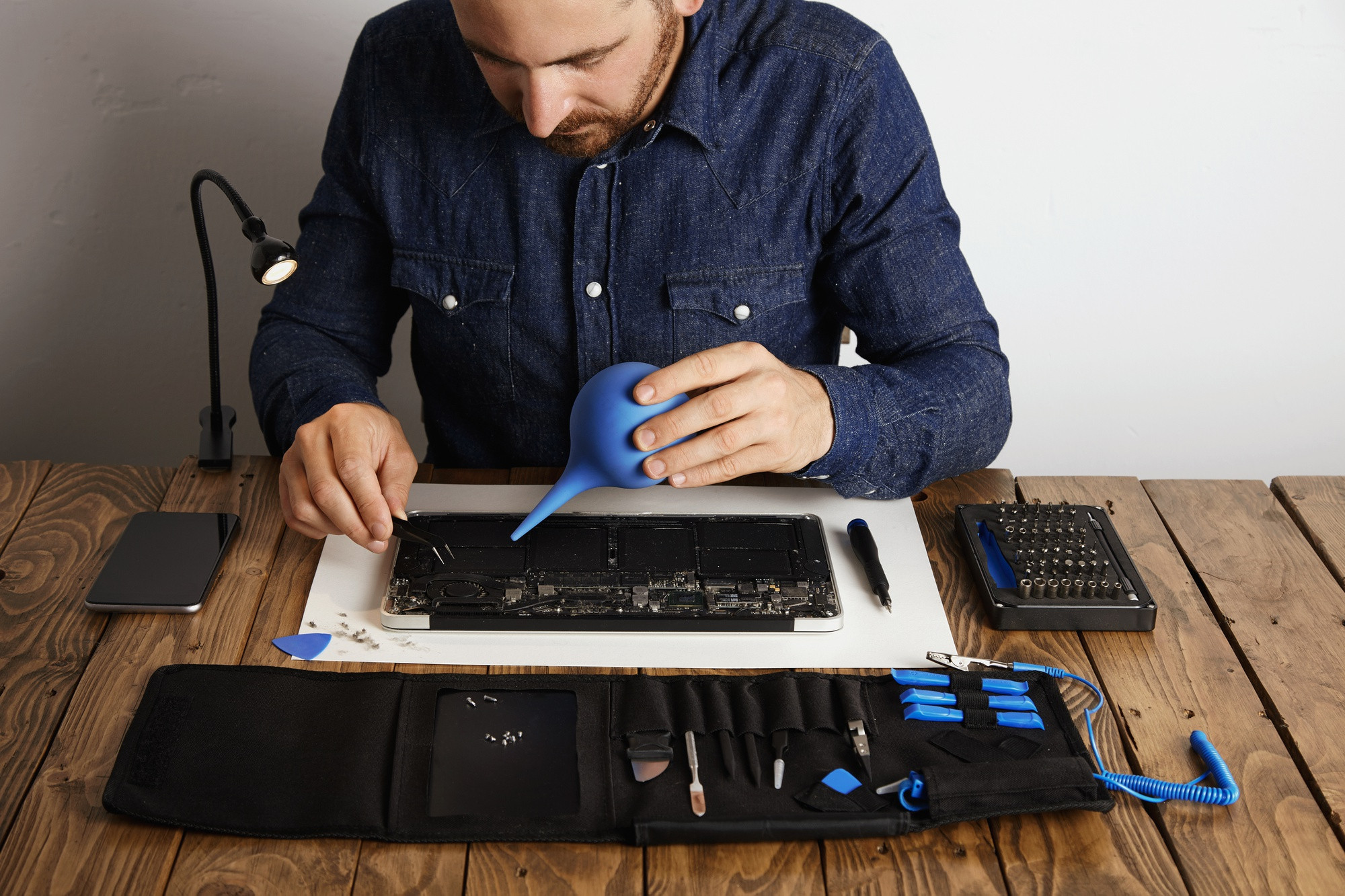
At our phone repair center, we don’t just fix smartphones; we also handle laptops, including battery replacements! If your laptop is struggling to hold a charge or isn’t powering on, it may be time for a new battery. Replacing a laptop battery is a task you can tackle at home with a little guidance. Here’s how you can do it.
Why You Might Need a New Battery
Over time, laptop batteries degrade due to frequent charging and discharging cycles. Signs that you may need a replacement include:
- The laptop won’t power on without being plugged in.
- The battery drains quickly, even with minimal usage.
- The battery is physically swollen or leaking.
Tools You’ll Need
Before starting the replacement process, gather the following tools:
- A replacement battery (make sure it’s compatible with your laptop model)
- A small screwdriver (usually a Phillips-head)
- A plastic spudger or prying tool
- A clean, flat workspace
Step-by-Step Guide to Replacing Your Laptop Battery
Turn Off and Unplug Your Laptop: Safety first! Ensure your laptop is completely powered off and unplugged from any power source.
Remove the Back Panel: Use the screwdriver to remove the screws securing the back panel of your laptop. Keep these screws in a safe place so you don’t lose them. Gently pry off the back panel using the spudger if it’s stuck.
Locate the Battery: Once the back panel is removed, locate the battery. It’s typically a rectangular component with a few screws securing it in place.
Disconnect the Battery: Carefully unplug the battery connector from the motherboard. This may require gently lifting a latch or simply pulling it out.
Remove the Old Battery: Unscrew the screws holding the battery in place, then carefully lift the old battery out of the laptop.
Install the New Battery: Place the new battery in the same position as the old one. Secure it with screws and connect the battery connector back to the motherboard.
Replace the Back Panel: Put the back panel back on and secure it with screws.
Power On Your Laptop: Plug in your laptop and turn it on. Your laptop should recognize the new battery, and you should see an improvement in performance!
Final Tips
- Make sure you’re using a battery that is compatible with your specific laptop model.
- If you’re uncomfortable replacing the battery yourself, don’t hesitate to bring your laptop to our repair center. Our experienced technicians are ready to help!
Replacing a laptop battery can breathe new life into your device. If you have any questions or need assistance, feel free to contact us. We're here to help!
Need This Problem Fixed Fast?
Bring your broken smartphone, tablet, or console to Phone Repair Place in Hyattsville, MD for quick diagnosis and same-day turnaround.