DIY Phone Fixes: What You Can Do at Home vs. When to Seek Professional Help
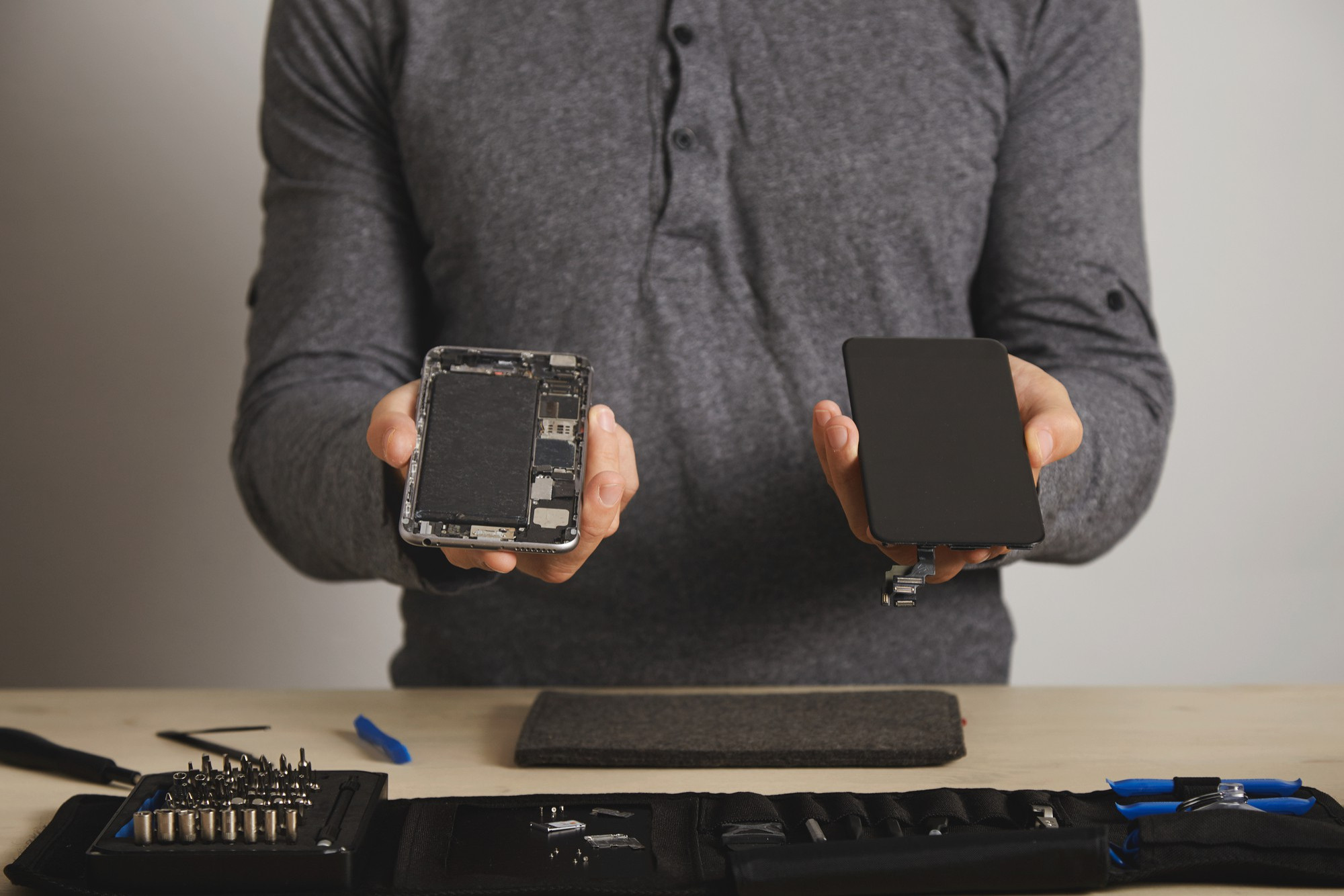
Smartphones have become an essential part of our daily lives, so when they start to malfunction, it can be frustrating. While it might be tempting to try and fix the problem yourself, it’s important to know the limits of DIY phone repairs. In some cases, a simple fix at home can save you time and money, but in others, attempting a repair could cause more harm than good. In this blog post, we’ll explore common phone issues, what you can safely fix at home, and when it’s best to seek professional help.
DIY Phone Fixes You Can Do at Home
1. Cleaning Charging Ports
The Problem:
Over time, dust and debris can accumulate in your phone’s charging port, leading to charging issues.
The DIY Fix:
You can safely clean the charging port using a soft brush, compressed air, or a toothpick. Gently remove any debris that may be blocking the connection. Be careful not to damage the internal components while cleaning.
When It Works:
If your phone isn’t charging properly and you notice debris in the port, this simple fix can often solve the problem.
2. Replacing a Screen Protector
The Problem:
A scratched or cracked screen protector can make your phone’s display look damaged and reduce touch sensitivity.
The DIY Fix:
Replacing a screen protector is a straightforward task. Simply remove the old one, clean the screen with a microfiber cloth, and apply a new protector, smoothing out any air bubbles.
When It Works:
This is an easy DIY fix that can keep your phone looking like new and prevent further damage to the actual screen.
3. Restarting or Resetting Your Phone
The Problem:
Your phone might be running slowly, freezing, or experiencing software glitches.
The DIY Fix:
A simple restart or reset can often resolve these issues. Restarting the phone clears temporary files and refreshes the system, while a factory reset (after backing up your data) can fix more persistent software problems.
When It Works:
If your phone’s performance is sluggish or apps are crashing, a restart or reset can often restore normal functionality.
4. Replacing a Phone Battery
The Problem:
Over time, batteries lose their ability to hold a charge, leading to shorter battery life and frequent charging.
The DIY Fix:
Some phones allow for easy battery replacement, especially older models. If your phone has a removable battery, you can order a replacement and install it yourself.
When It Works:
If your phone’s battery life has significantly decreased and you’re comfortable working with small electronics, replacing the battery can give your phone a new lease on life.
When to Seek Professional Help
1. Cracked or Shattered Screens
The Problem:
Dropping your phone and cracking the screen is one of the most common issues.
Why You Need a Pro:
While there are DIY screen repair kits available, replacing a smartphone screen is a delicate process that involves disassembling the phone. One wrong move can damage internal components, making the problem worse.
When to Go Pro:
If your phone’s screen is cracked or shattered, it’s best to take it to a professional repair shop to ensure the repair is done correctly and without causing further damage.
2. Water Damage
The Problem:
Accidentally dropping your phone in water can cause serious internal damage.
Why You Need a Pro:
Water damage is tricky to fix because it can affect multiple components inside the phone. Professional technicians have the tools and expertise to properly dry and repair water-damaged devices.
When to Go Pro:
If your phone has been exposed to water, especially saltwater, seek professional help immediately to prevent corrosion and other long-term damage.
3. Internal Hardware Issues
The Problem:
Problems like malfunctioning cameras, broken buttons, or issues with the phone’s motherboard.
Why You Need a Pro:
These issues often require specialized tools and technical knowledge. Attempting a DIY repair can result in further damage, making the phone unusable.
When to Go Pro:
If you’re experiencing hardware issues that go beyond simple fixes, it’s best to consult a professional to avoid costly mistakes.
4. Software Issues Beyond a Reset
The Problem:
Persistent software problems that aren’t resolved by a factory reset, such as recurring crashes, malware infections, or severe performance issues.
Why You Need a Pro:
Professional technicians can diagnose and fix deeper software issues, often without the need to wipe your phone’s data.
When to Go Pro:
If a factory reset doesn’t solve your software problems, or if you suspect your phone has been compromised by malware, it’s time to seek professional help.
Conclusion
Knowing when to attempt a DIY phone repair and when to seek professional help can save you time, money, and frustration. While simple fixes like cleaning your charging port or replacing a screen protector can be done at home, more complex issues like water damage or cracked screens are best left to the professionals. By understanding the limits of DIY repairs, you can keep your phone in good working condition and avoid costly mistakes.
Need This Problem Fixed Fast?
Bring your broken smartphone, tablet, or console to Phone Repair Place in Hyattsville, MD for quick diagnosis and same-day turnaround.