How Long Does Charging Port Repair Take?
Understanding Smartphone Charging Port Architecture and Common Failure Points
Modern mobile devices rely on precision-engineered charging receptacles to handle high-voltage electrical delivery, high-speed data transmission, audio passthrough, and external display signaling. Whether your handset features a reversible 24-pin USB-C interface or Apple's proprietary 8-pin Lightning connector, these miniature hardware ports endure relentless mechanical stress every single day. The average smartphone user inserts and removes a charging cable between two and five times daily, amounting to well over a thousand mating cycles annually. Over extended periods of ownership, continuous physical friction, accidental cable tugs, drops while tethered, and exposure to environmental contaminants inevitably take their toll on internal electrical contacts.
Inside a USB-C receptacle, twelve surface-mount contact pins line the top and bottom of a central tongue made of hardened polymer and metal shielding. These micro-pins facilitate power delivery protocols, configuration channel detection, and ground grounding. On Lightning receptacles, dynamic spring-loaded retention pins lock onto the grooved sides of the male connector to maintain constant contact pressure. When foreign particles such as pocket lint, denim fibers, grease, or pulverized dust enter the receptacle, they become compressed into the deep recess of the port cavity each time a cable is forced inside. Eventually, this compacted debris prevents the male plug from seating completely flush against the phone chassis, severing electrical continuity and halting current inflow.
Beyond simple particulate obstruction, genuine hardware failure occurs when internal copper pins bend, fatigue, or snap off entirely. Furthermore, exposure to high humidity, sweat, rain, or liquid spills initiates electrolytic corrosion across active pin contacts, leaving behind a resistive greenish copper patina that blocks electrical conduction or creates localized short circuits. When cleaning routines fail to restore reliable charging, complete physical replacement of the port assembly or daughterboard becomes the only dependable solution. Understanding the root cause of the malfunction is the first step in estimating how long does charging port repair take for your specific device.
How Long Does Charging Port Repair Take? Typical Workshop Turnaround Times
When asking how long does charging port repair take, the straightforward answer for the vast majority of modern smartphones is between thirty and sixty minutes at a dedicated, walk-in repair workshop. Professional repair facilities maintain specialized disassembly fixtures, precision torque drivers, heating stations, and OEM-spec replacement modules in stock, enabling technicians to diagnose, disassemble, replace, and calibrate the charging system during a single visit.
However, the total duration required to complete a phone charging port repair time estimate depends on the specific repair methodology demanded by the device's internal architecture. Smartphone manufacturers utilize different engineering layouts across product generations, which directly dictates whether the repair involves a quick modular swap or complex micro-soldering:
- Professional Debris Extraction and Ultrasonic Pin Cleaning (15 to 30 Minutes): If diagnostic inspection under high-magnification stereomicroscopes reveals that internal connector pins remain intact and uncorroded, deep physical extraction using non-conductive precision probes and specialized electronic contact solvents resolves the issue rapidly without opening the phone housing.
- Modular Daughterboard Replacement (30 to 45 Minutes): Many popular Android smartphones, including numerous Samsung Galaxy and Google Pixel handsets, position the USB-C port on an independent sub-board located at the base of the phone. Technicians simply remove the back glass, disconnect the sub-board flex cable, and swap in a brand new factory dock assembly.
- Integrated Flex Cable Assembly Replacement (45 to 60 Minutes): In Apple iPhones, the charging port is permanently welded onto an extensive lower flex ribbon that also houses primary microphones, wireless charging grounding paths, loudspeaker contact pads, and taptic engine communication busses. Replacing this comprehensive assembly requires transferring multiple peripheral components, taking approximately forty-five to sixty minutes.
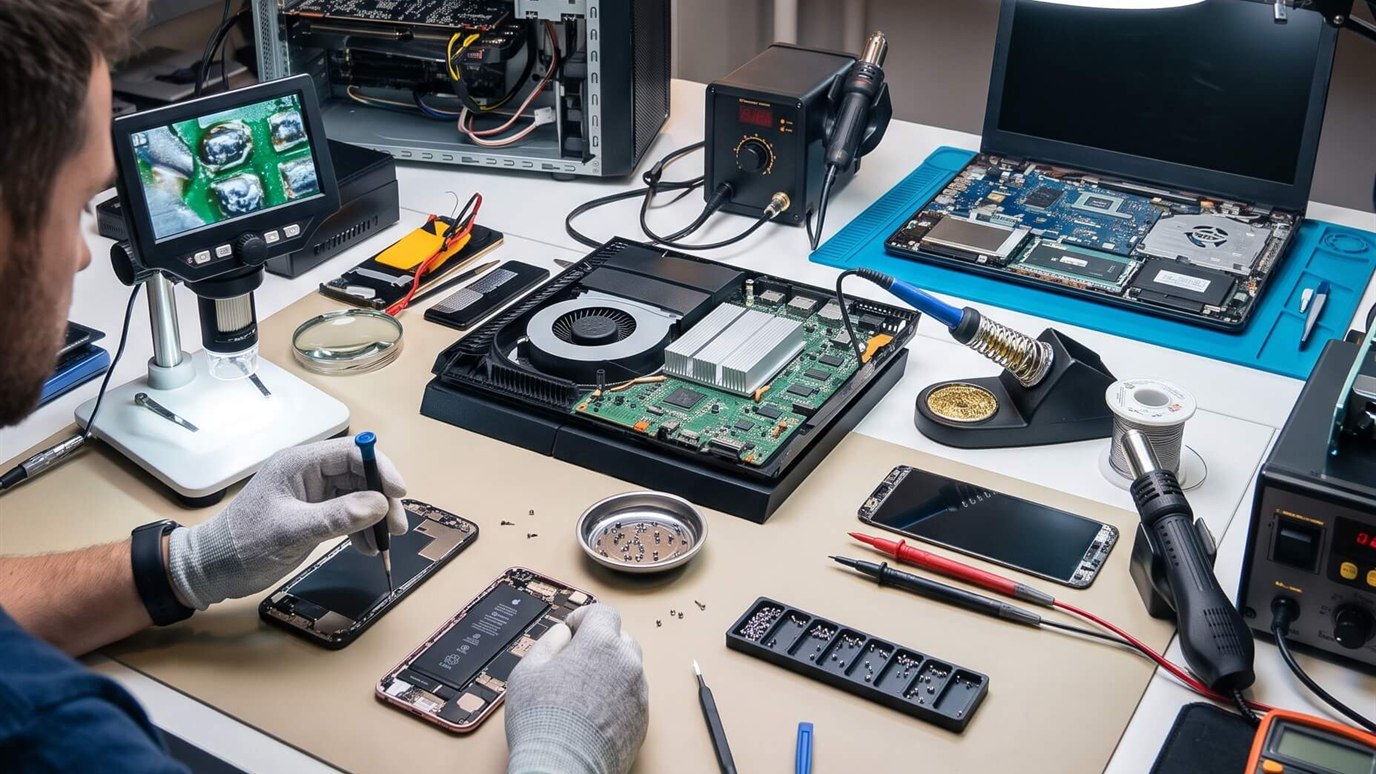
- Board-Level Micro-Soldering (2 to 4 Hours or Next-Day Service): Certain hardware designs—including select tablets, gaming consoles like the Nintendo Switch, budget laptops, and older Android smartphones—surface-mount the USB-C or Micro-USB port directly onto the primary motherboard. Replacing these ports requires desoldering twenty-four microscopic pins with hot air stations and micro-soldering irons under a microscope, which naturally demands extended bench time.
- Manufacturer Mail-In Service Centers (3 to 7 Business Days): Submitting a device to official manufacturer depot facilities via post typically requires three to seven business days due to shipping logistics, queue backlogs, and mandatory factory reset procedures.
Turnaround Time Differences by Brand: iPhone, Samsung, and Android
The time required to finish a charging port replacement varies considerably across different hardware ecosystems due to structural differences in chassis assembly, adhesive strength, and internal component modularity.
iPhone Charging Port Repair Duration
For owners seeking iPhone repair services, turnaround time consistently sits between forty-five minutes and one hour. Apple engineers design the iPhone chassis to open from the front display screen. Technicians remove the bottom pentalobe security screws, gently warm the display perimeter to soften factory water-resistant gaskets, and lift the OLED display panel using specialized suction separation tools.
Because the lower lightning or USB-C dock flex cable sits underneath the loudspeaker module and the haptic engine vibrator, technicians must safely unseat these sub-assemblies before accessing the charging port ribbon. Once the genuine-grade replacement flex is seated, all secondary microphones, antenna contacts, and grounding brackets are secured to factory torque specifications. After installing fresh dust and moisture seals, technicians perform a comprehensive functional test of fast-charging wattage, computer data syncing, and microphone pickup before handing the completed device back to the customer.
Samsung Galaxy Charging Port Repair Duration
Customers requiring Samsung repair for charging difficulties typically experience turnaround times ranging from thirty to forty-five minutes. Samsung constructs the majority of its modern Galaxy S-series, Z-series, and A-series handsets with an adhesive-bonded rear glass or polymer back plate. Opening the phone from the rear provides direct, unobstructed access to the lower sub-board chamber without disturbing the fragile front dynamic AMOLED display.
Technicians gently heat the rear adhesive, remove the back cover, unfasten the lower loudspeaker housing, and disconnect the inter-board main ribbon cable. The compact daughterboard holding the USB-C charging port, primary call microphone, and SIM tray reader is lifted out and replaced with a factory-grade unit. Because this modular design avoids disturbing the main logic board or the display panel, turnaround times are remarkably swift and dependable.
Other Android Smartphones and Tablet Devices
Across the broader Android repair landscape—including Google Pixel, Motorola, OnePlus, and Xiaomi phones—repair times typically adhere to the thirty-to-sixty-minute benchmark. Google Pixel phones, depending on the model year, may open through the display or the rear plate, but modern models utilize modular charging docks that facilitate same-day service. On the other hand, larger devices such as an iPad repair or Android tablet often require two to three hours because their oversized tempered glass panels demand meticulous pre-heating and delicate adhesive separation to avoid hairline fractures.
Comprehensive Charging Port Repair Turnaround and Complexity Comparison
To help you evaluate your repair options and plan your visit, the following comparison table details typical repair durations, engineering architectures, and complexity levels across primary consumer electronics categories:
| Device Category | Turnaround Time | Port Architecture | Repair Complexity | Typical Repair Method |
|---|---|---|---|---|
| Apple iPhone (All Models) | 45 – 60 Minutes | Integrated Dock Flex Ribbon | Moderate (Front Display Entry) | Complete lower flex assembly replacement |
| Samsung Galaxy S & A Series | 30 – 45 Minutes | Modular Sub-Board (Daughterboard) | Low to Moderate (Rear Glass Entry) | Direct sub-board swap & gasket reseal |
| Google Pixel Smartphones | 45 – 60 Minutes | Modular Dock Assembly / Flex | Moderate | Modular component replacement |
| Apple iPad & Android Tablets | 2 – 4 Hours (Same Day) | Soldered Flex / Motherboard Surface | High (Glass Separation & Soldering) | Thermal digitizer lift & micro-soldering |
| Laptops & MacBooks | 1 – 3 Hours / Same Day | USB-C Board / DC Jack Harness | Moderate to High | Power jack harness or I/O board renewal |
Diagnostic Steps Before Repair: Identifying If Replacement Is Truly Needed
Experienced repair technicians never rush straight into tearing open a smartphone without conducting rigorous non-invasive electrical diagnostics. Frequently, what presents as a completely dead charging port turns out to be an external issue or simple debris blockage that can be corrected in minutes without costly component replacement.
When you present your device for inspection, a certified repair specialist follows a methodical diagnostic protocol:
- Stereomicroscopic Visual Inspection: Using high-magnification optical microscopes, technicians inspect the internal contact cavity. They look for bent or crossed contact pins, cracked central tongue substrates, severe oxidation, and impacted lint or mineral dust.
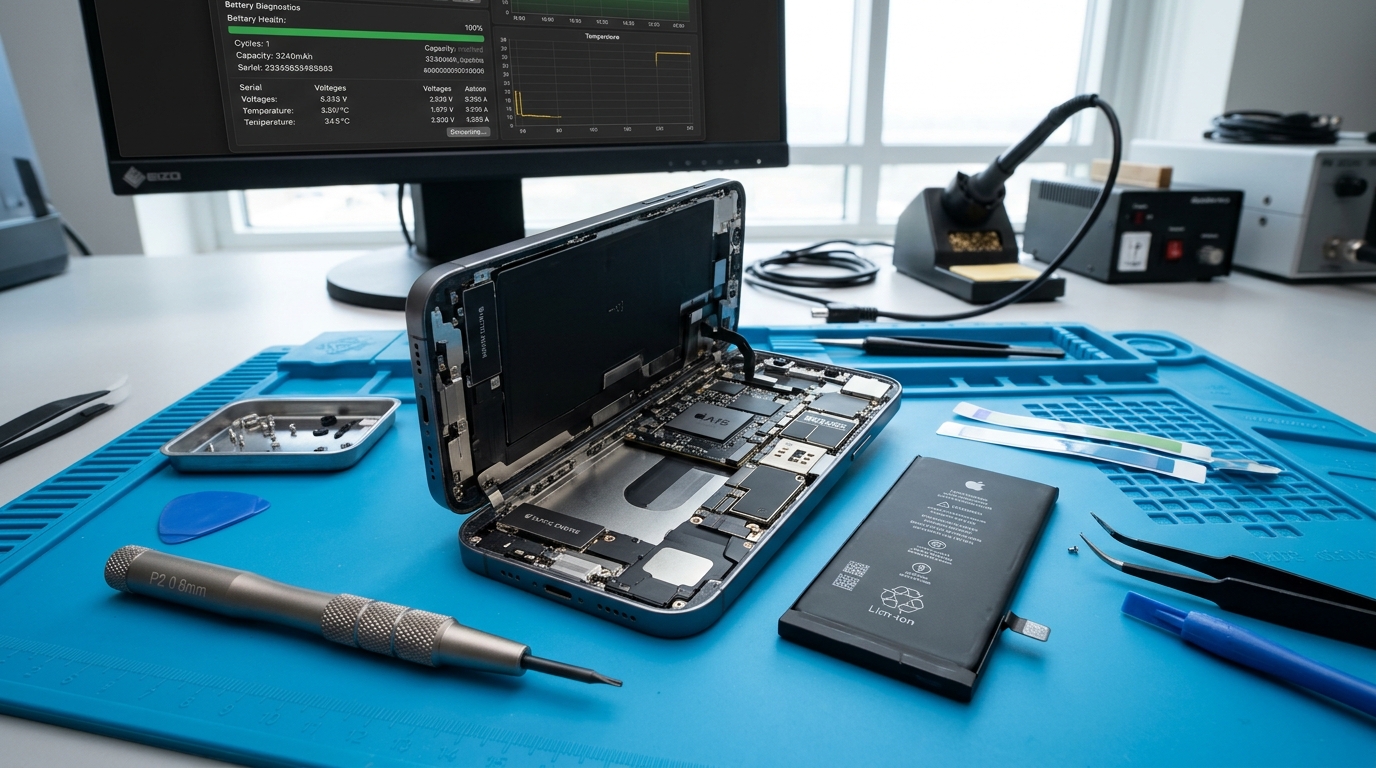
- Digital USB In-Line Multimeter Testing: Technicians connect the device to precision digital USB power delivery meters capable of measuring real-time voltage, amperage, and power negotiation profiles down to the single milliampere. A healthy modern smartphone should draw between 1.5A and 3.0A during rapid charging. If the meter registers zero current draw (0.00A) or fluctuates erratically when the cable is wiggled, internal pin continuity is broken.
- Tristar, Hydra, and PMIC Logic Board Testing: On iPhones, charging failure can stem from a blown USB controller integrated circuit (known historically as Tristar or Hydra) caused by cheap third-party car chargers or voltage surges. Technicians test power rails across the motherboard to verify whether the fault lies in the physical port or deep within the logic board's power management circuitry.
- Cable Seating and Retention Check: If the charging cable connector does not click firmly into position or wobbles loosely with excessive lateral play, physical debris or worn internal retention springs are confirmed.
Step-by-Step Breakdown of the Professional Repair Workflow
To understand why a professional charging port replacement requires approximately forty-five minutes of bench time, it helps to examine each meticulous step carried out by a skilled electronics technician:
The repair begins with a complete device shutdown and isolation of sensitive electronics on grounded anti-static work mats. Technicians use precision heating pads set to a controlled seventy degrees Celsius to safely soften perimeter adhesive seals without risking thermal damage to the internal battery or OLED matrix.
Once the enclosure is opened, the battery connector is disconnected immediately. Cutting off electrical power from the motherboard eliminates any danger of inadvertent short circuits while metallic tools are in use. Technicians carefully remove EMI shielding brackets and unthread precision screws, keeping every fastener organized in magnetic mapping trays due to varying thread lengths.
Next, lower acoustic speaker chambers and vibration motors are unseated to expose the charging dock flex ribbon or daughterboard. The damaged receptacle assembly is extracted, and the internal frame housing is cleaned of residual dust and degraded adhesive. Technicians install a premium, OEM-grade replacement port assembly, reconnect grounding lines, and test the new port with a digital bench power supply before reassembling the chassis.
Finally, fresh laser-cut water and dust resistance gaskets are installed along the frame perimeter. The housing is resealed under uniform pressure clamps, and the device undergoes a comprehensive six-point quality verification: USB-C power delivery fast charging, slow trickle charging, data synchronization with a desktop computer, primary microphone voice recording, loudspeaker acoustic playback, and cellular antenna signal reception.
DIY Cleaning vs. Professional Repair: Essential Risks and Safety Rules
When faced with an unresponsive charging port, many device owners attempt home remedies using household implements. While clearing loose pocket dust is often safe if done properly, improper cleaning techniques frequently cause irreversible damage that turns a zero-dollar fix into an expensive emergency repair.
If you suspect lint or dust is blocking your charging port, you may attempt gentle cleaning using a thin, non-conductive wooden or plastic dental pick under bright illumination. Gently sweep around the perimeter of the port without pressing against the sensitive central pin array. Never insert metallic objects such as sewing needles, safety pins, paperclips, or SIM ejector tools into a charging port. Metal conductively bridges positive power pins to ground lines, causing instantaneous sparks, melted pin coatings, and blown logic board fuses.
Similarly, never spray liquid rubbing alcohol, water, or commercial contact cleaners directly into the charging port. Liquid easily penetrates through the acoustic mesh seals of adjacent microphones and speaker chambers, permanently destroying sound quality or seeping into the battery compartment. If a gentle dry sweep with a wooden pick fails to resolve loose cable connection or intermittent charging, stop immediately and seek professional diagnostic service.
Visit Phone Repair Place for Fast, Same-Day Charging Port Solutions
Dealing with a finicky charging cable or a phone that refuses to power on is an unnecessary daily frustration. At Phone Repair Place, our experienced technicians specialize in rapid, high-precision mobile hardware diagnostics and same-day charging port repairs for all major smartphone, tablet, and computer brands.
We keep premium, factory-spec replacement ports and daughterboards in stock for Apple iPhone, Samsung Galaxy, Google Pixel, Motorola, and iPad devices. Our skilled team completes the vast majority of smartphone repairs in forty-five minutes or less, allowing you to drop off your device and pick it up fully restored without interrupting your busy schedule. We provide transparent diagnostic assessments, competitive pricing, and comprehensive warranty coverage on all parts and craftsmanship. Walk-ins are warmly welcomed every day of the week, or you can call ahead to reserve immediate bench priority.
Phone Repair Place
3500 East-West Hwy STE 1417,
Hyattsville, MD 20782, United States
(202) 870-4914
https://phonerepairpgmall.com/
Frequently Asked Questions About Charging Port Repair
Can a damaged phone charging port be cleaned instead of replaced?
Yes, in many cases a charging port that seems broken is simply clogged with compressed pocket lint or dust that prevents the cable connector from seating fully. If an experienced technician inspects the port under a microscope and finds that the internal contact pins are straight, unbroken, and free of corrosion, a professional dry cleaning procedure taking fifteen minutes can completely restore charging function without replacing any parts.
Will repairing or replacing my charging port erase any data on my phone?
No, professional charging port replacement is strictly a hardware repair that does not modify, erase, or touch your device's internal flash storage or operating system. Your photos, contacts, applications, messages, and personal files remain entirely intact throughout the repair process. However, maintaining regular cloud or computer backups is always recommended as a general best practice before any hardware servicing.
Why does my phone only charge when the cable is held at a specific angle?
When charging only works while holding the cable under tension or bending it at an angle, either the cable connector has developed broken internal copper strands or the port's internal spring-loaded retention pins have fatigued or separated from their solder joints. If testing multiple brand-new cables produces the same intermittent connection, the internal contacts inside the port are loose and require professional replacement.
How much does professional charging port repair usually cost?
The cost of professional charging port repair depends on device brand, model generation, and whether the port is modular or soldered. For standard iPhone and Samsung Galaxy smartphones, modular charging port repairs typically range between $65 and $110, including parts, labor, and warranty. Complex micro-soldered repairs on tablets or laptops may range between $95 and $160 due to advanced precision soldering requirements.
Can I use wireless charging if my phone's charging port is broken?
Yes, if your smartphone supports Qi or MagSafe wireless charging, you can safely continue recharging your battery wirelessly even if the physical USB-C or Lightning port is completely damaged. Wireless charging operates via independent inductive copper coils mounted beneath the rear glass, bypassing the wired dock assembly entirely. While convenient as a temporary workaround, wireless charging cannot facilitate wired data transfer or emergency car navigation tethering, making port repair necessary for full device utility.
Need This Problem Fixed Fast?
Bring your broken smartphone, tablet, or console to Phone Repair Place in Hyattsville, MD for quick diagnosis and same-day turnaround.